Free · runs in your browser
Make a short video walkthrough of your design
Some people understand a space best in motion. Arcvelle Studio exports walkthrough and orbit videos of 6 to 30 seconds at 1080p and 30 frames per second, rendered in your browser on your own device.
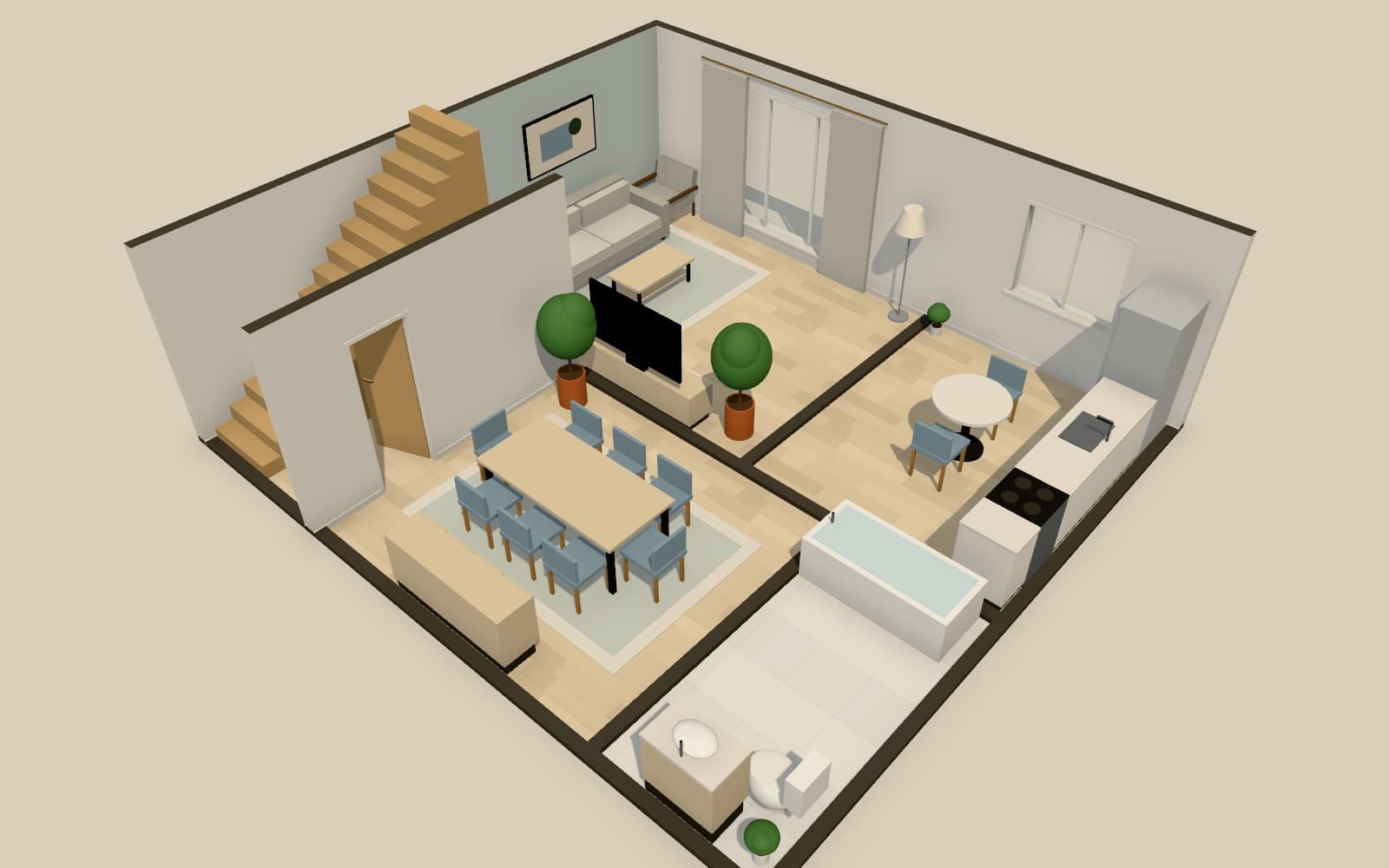
How do I make a walkthrough video of a room design?
Open your design in Arcvelle Studio and choose a walkthrough or an orbit video. Set a length between 6 and 30 seconds, pick a lighting preset and colour grade, and export at 1080p, 30 frames per second. The file is MP4 where your browser supports it, otherwise WebM.
What it does
Features
Walkthrough or orbit
A walkthrough moves the camera through the interior; an orbit circles the design to show the whole layout. Choose whichever suits the audience.
6 to 30 seconds
Short clips suit messages and social posts, while a 30-second clip gives time to show several rooms.
1080p at 30 fps
Full HD video at 30 frames per second plays smoothly on phones, laptops and presentation screens.
MP4 or WebM
Arcvelle writes MP4 when the browser can encode it and falls back to WebM, which plays in modern browsers.
Optional watermark
Add a watermark to drafts you send for comment, and remove it for the version you publish.
Encoded locally
The video is rendered and encoded on your device, so the design never leaves it and there is no queue.
How to
How to use the make a short video walkthrough of your design
Step 1: Prepare the scene
Finish the layout, set a lighting preset and colour grade, and check the rooms in walk mode.
Step 2: Choose type and length
Pick walkthrough or orbit and a duration from 6 to 30 seconds, and decide whether to add a watermark.
Step 3: Export the clip
Start the export and wait while your device renders each frame; longer clips take longer to finish.
Step-by-step guide: Video walkthroughs
Use cases
Who it is for
Social media previews
Share a short orbit clip of a scheme on channels that accept MP4 or WebM video.
Client updates by message
Send a 15-second walkthrough after each design round so a client can see the changes on their phone.
Pitch presentations
Drop a walkthrough clip into a slide deck to show the flow between rooms in a multi-storey house.
Questions
Frequently asked questions
How long can a walkthrough video be?
Videos run from 6 to 30 seconds. For a longer presentation, export several clips of different rooms and join them in a video editor, or share the interactive 3D presentation link instead.
Why did I get a WebM file instead of MP4?
Arcvelle encodes video with your browser's built-in tools. Some browsers can write MP4 and some cannot; when MP4 is not available the video is saved as WebM. Many video tools can convert WebM to MP4 if you need it.
Can I export 4K video?
Not today. Video exports are 1080p at 30 frames per second. Still images, by contrast, can be rendered at 4K (3840 × 2160).
Does video rendering happen in the cloud?
No. Frames are rendered and encoded in your browser on your own computer or tablet. Nothing about the design is uploaded, and producing a video costs nothing.
Do I need to sign up to export videos?
No sign-up is needed. Arcvelle Studio has no accounts at the moment, and video export is included alongside stills and panoramas at no charge.
Start designing in your browser
Arcvelle Studio is free and needs no account. Your projects stay in this browser.