Free · runs in your browser
Real-time 3D that updates as you design
Every wall you move and every finish you change appears straight away in the 3D view. Walk through in first person, switch between four lighting presets and try colour grades without waiting for a render.
What is real-time rendering in interior design?
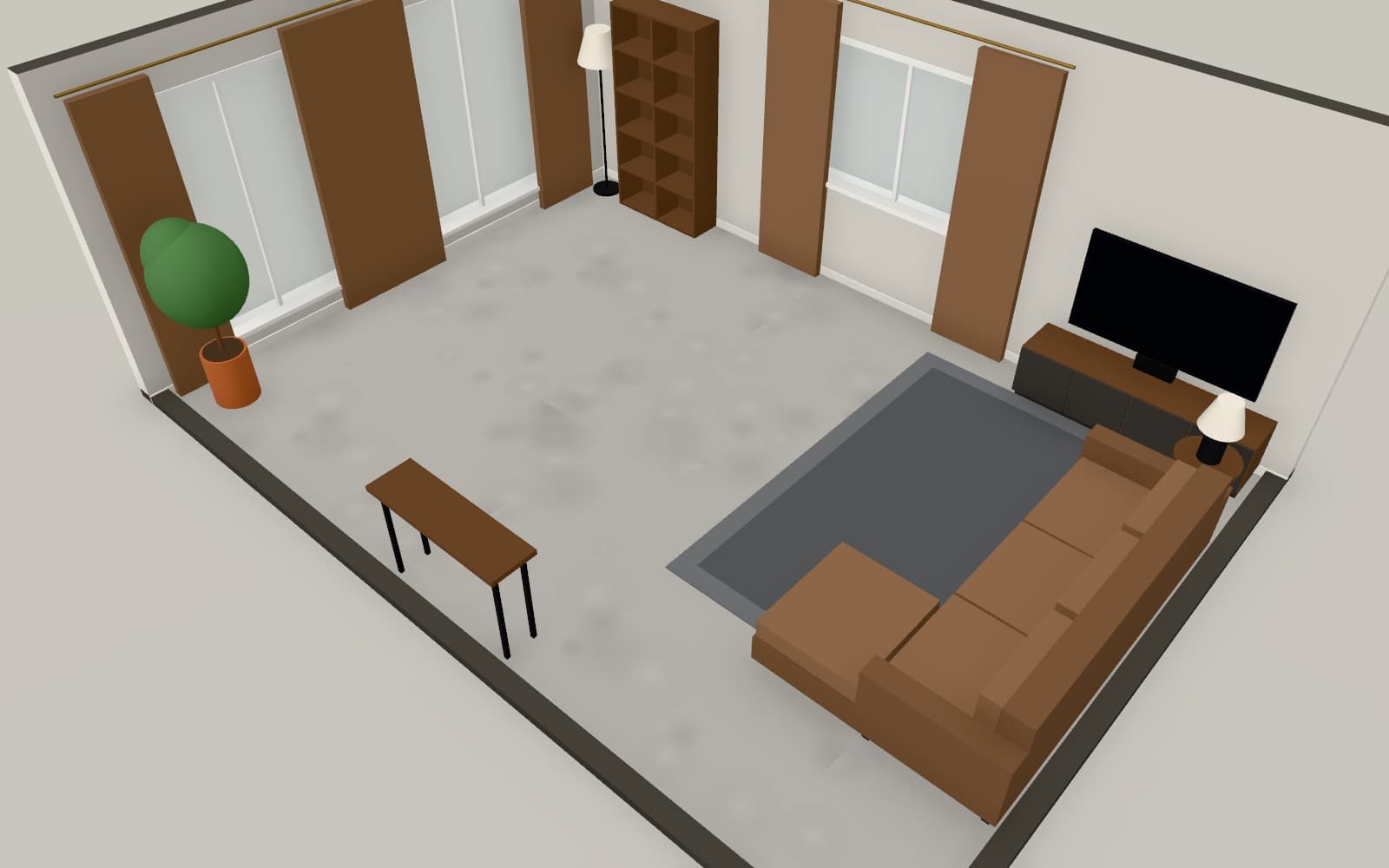
Real-time rendering draws the 3D scene many times a second, so changes to walls, furniture, materials and lighting appear immediately. In Arcvelle Studio it runs in your browser and powers orbit, dollhouse and first-person walk views, four lighting presets, ambient occlusion, bloom and colour grades, before you export anything.
What it does
Features
Several ways to look
Orbit freely, jump to top or front views, open a dollhouse view of the whole plan, or walk through in first person.
Four lighting presets
Midday sun, golden hour, soft overcast and evening with lamps on each change the mood at once, so you can see a room at different times of day.
Live post-processing
Turn ambient occlusion and bloom on or off and apply warm, cool, soft film or black-and-white grades while you keep working.
Floors stacked in 3D
Multi-storey designs show every level stacked, with stairs between them, so you can see how one floor relates to the next.
No separate render step
Recolour a sofa, swap a floor finish or move a wall and the 3D view reflects it while you are still editing.
How to
How to use the real-time 3d that updates as you design
Step 1: Open the 3D view
Switch from the 2D plan to 3D in Arcvelle Studio; the scene is built from your walls, rooms and furniture.
Step 2: Move through the space
Orbit to inspect the layout, use the dollhouse view for an overview, then switch to walk mode for a first-person view.
Step 3: Tune the look
Change lighting presets, effects and grades, and save any viewpoint you want to return to or render later.
Step-by-step guide: Lighting and effects
Use cases
Who it is for
Design reviews in a meeting
Walk a client through a scheme live on a laptop or tablet and make small changes while they watch.
Checking sightlines
Stand at the front door in walk mode and see what is visible from the entrance before fixing furniture positions.
Choosing a lighting mood
Compare a room under soft overcast daylight and evening lamplight to decide where extra lamps are needed.
Questions
Frequently asked questions
What is the difference between real-time rendering and a still render?
Real-time rendering is the live 3D view you work in, redrawn continuously as you move. A still render captures one saved view as an image file at a set size, such as 4K. In Arcvelle both are produced on your device from the same 3D scene.
Does real-time rendering need a powerful computer?
Arcvelle Studio is designed for desktop and tablet browsers. Large multi-storey designs with many models and effects switched on ask more of the graphics hardware, so turning off bloom or ambient occlusion can help on older devices.
Which browsers can show the 3D view?
The 3D view needs a browser with WebGL enabled. Current versions of the major desktop and tablet browsers provide it, and there is nothing extra to install.
Can I walk through my design in first person?
Yes. Walk mode puts the camera inside the room so you can move through doorways and look around as a visitor would. Orbit, top, front and dollhouse views are a click away.
Is the real-time 3D view free?
Yes. The 3D view, lighting presets and effects are all part of Arcvelle Studio, which costs nothing today and has no sign-up step.
Can I use ray tracing or path tracing?
Not yet. Photoreal path-traced rendering is in development. Today the 3D view uses real-time techniques such as ambient occlusion and bloom to suggest depth and light.
Start designing in your browser
Arcvelle Studio is free and needs no account. Your projects stay in this browser.