Free · runs in your browser
Turn a design into a virtual tour people can explore
Render 360° panoramas from any point in a room, or share the whole design as a 3D presentation with saved tour stops, a room list and a mini-map. The share link carries the design itself, so nothing is uploaded to a server.
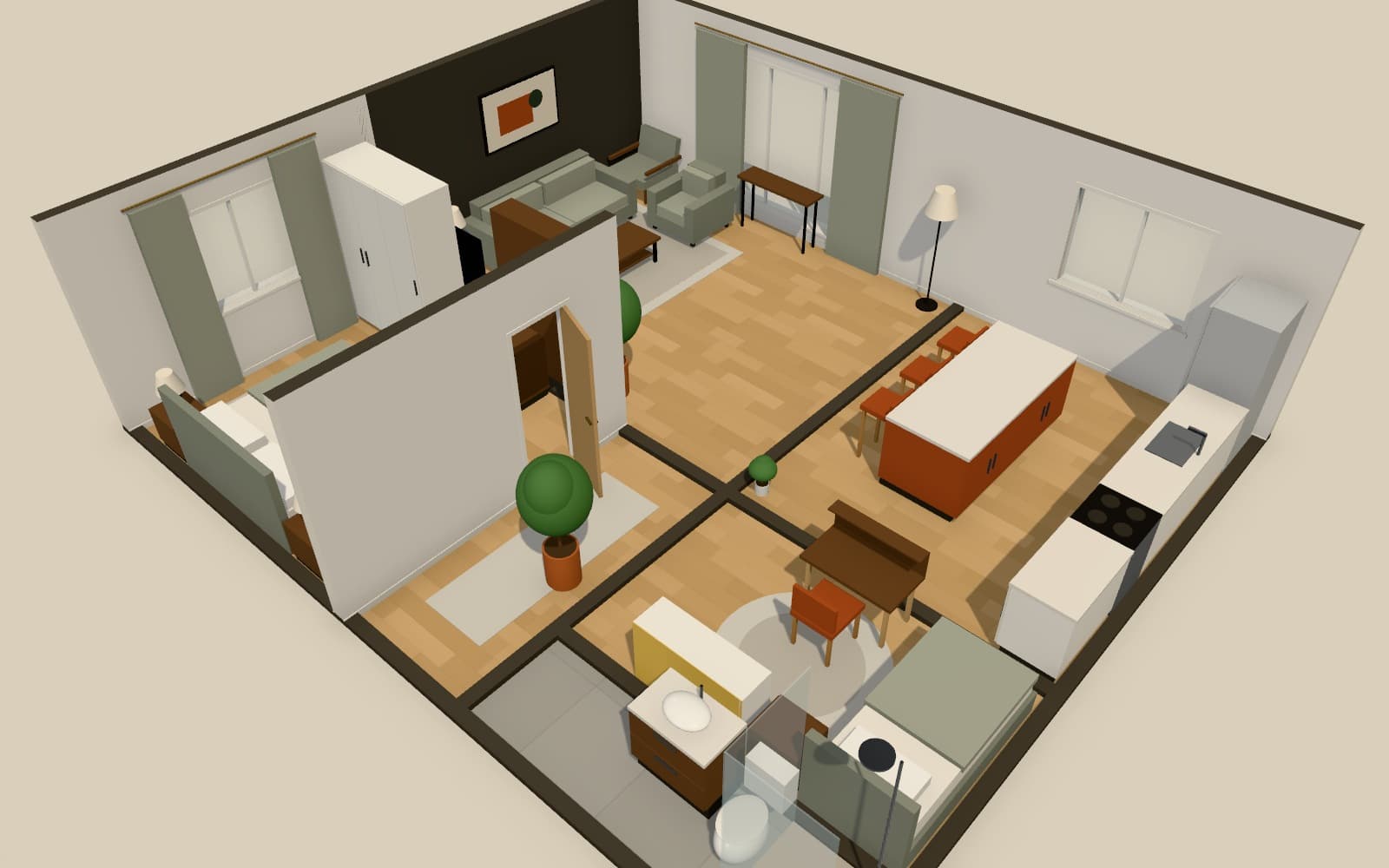
How do I create a 360 virtual tour of an interior design?
In Arcvelle Studio, save named camera views in the rooms you want to show; they become stops in a presentation tour. Share a link that opens the design at /view with orbit, walk-through, a room list and a mini-map, or render 360° panoramas and look around them in the interactive viewer.
What it does
Features
Tour stops from saved views
Each named camera becomes a stop, so viewers move through the design in the order you planned.
A self-contained share link
The link encodes the whole design. Opening it shows the 3D presentation without any upload, account or server copy of the project.
Room list and mini-map
Viewers can jump to any room by name and use the mini-map to see where they are in the plan.
360° panoramas
Render a panorama from any position in a room and explore it in the interactive viewer, or open it later in the standalone panorama viewer.
Embed on a website
Copy the embed code to place the presentation on your own site or portfolio page.
How to
How to use the turn a design into a virtual tour people can explore
Step 1: Save the views
Walk through the design and save a named camera at each spot you want viewers to see.
Step 2: Render panoramas if needed
Pick a position and export a 360° panorama for any room you want to show as an immersive still.
Step 3: Share or embed
Copy the share link or embed code; recipients open it in their browser with no sign-up.
Step-by-step guide: Presentations and tours
Use cases
Who it is for
Remote client sign-off
Send one link that lets a client walk through the proposed scheme in their own time and return with specific comments.
Property marketing concepts
Show buyers or tenants how an empty space could be furnished, as an explorable tour rather than a single image.
Portfolio pieces
Embed a tour of a finished design on a portfolio page so visitors can explore it instead of scrolling past a photo.
Questions
Frequently asked questions
Do viewers need an account to open a tour?
No. Anyone with the link can open the presentation in a browser. Arcvelle has no accounts today, for you or for the people you share with.
Where is the tour hosted?
The design is packed into the link itself, so Arcvelle does not store a copy on a server. That also means anyone who has the link can open the design. Hosted share links with passwords are in development.
What happens if I change the design after sharing?
The link holds the design as it was when you copied it. After making changes, copy a new link and send that instead; the old link keeps showing the earlier version.
Is a 360° panorama the same as the 3D presentation?
No. A panorama is a single image that wraps all the way around one viewpoint, so you can look around but not move. The 3D presentation lets viewers orbit, walk between rooms and follow tour stops.
Is creating a virtual tour free?
Yes. Saving views, rendering panoramas and sharing the presentation link are all free in Arcvelle Studio today, and none of them requires signing up.
Start designing in your browser
Arcvelle Studio is free and needs no account. Your projects stay in this browser.