Free · runs in your browser
Render interior images from your own 3D design
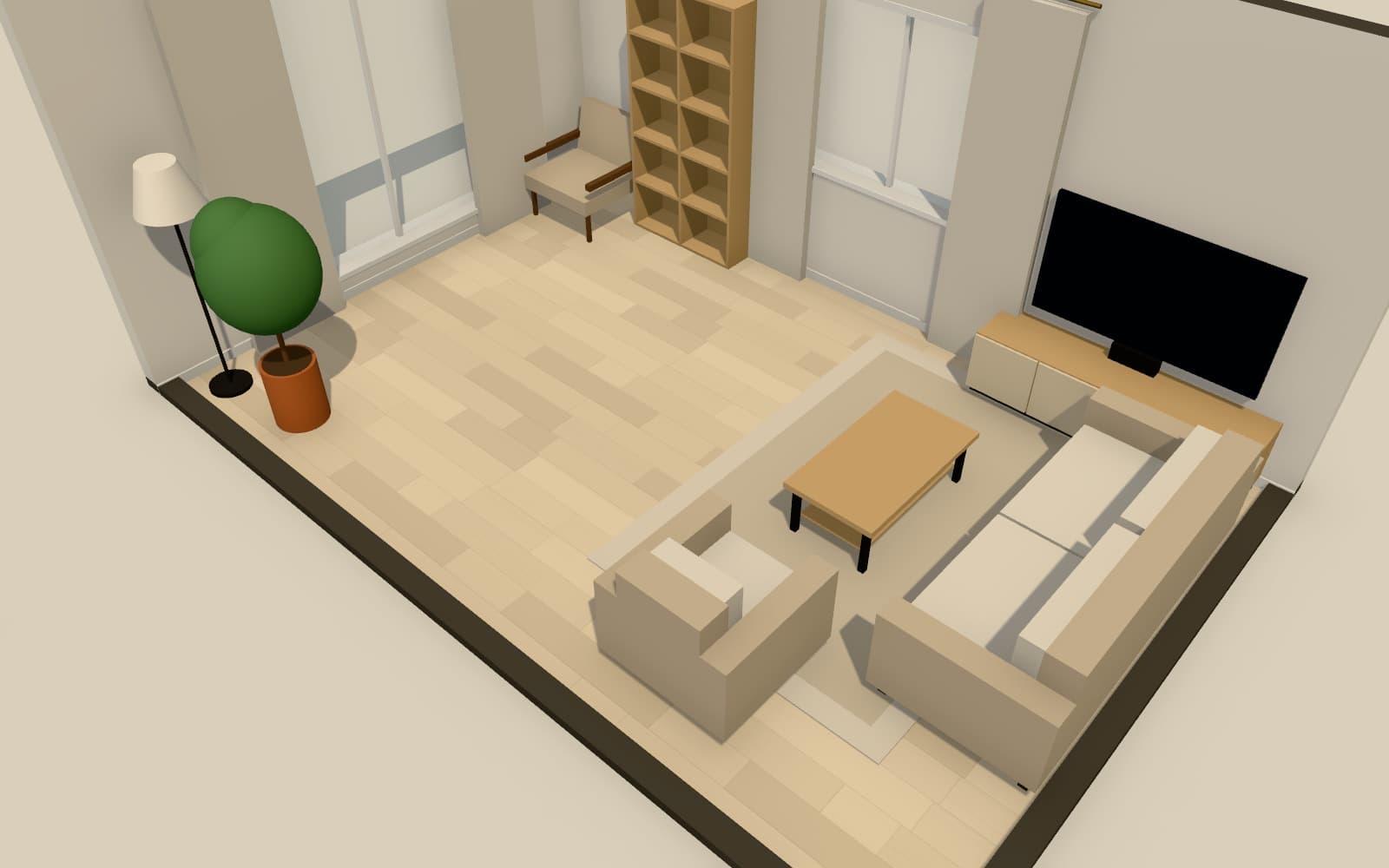
Set up a camera, choose a lighting preset and export a still image at up to 4K (3840 × 2160). Rendering happens on your own device in the browser, so there is no upload and no render farm to wait for.
How do I make a 3D interior render in Arcvelle?
Open your design in Arcvelle Studio, frame a camera view and save it, pick a lighting preset and colour grade, then export a still at Full HD, 2K, 4K, square or portrait. The image is rendered by your own computer or tablet in the browser, and you can add an optional watermark.
What it does
Features
Five output shapes
Export landscape stills at Full HD, 2K or 4K (3840 × 2160), or switch to square and portrait frames for social posts and printed boards.
Saved camera views
Name a camera position once and return to it after every change, so before-and-after renders line up exactly.
Lighting presets and grades
Render under midday sun, golden hour, soft overcast or evening with lamps on, and finish with a warm, cool, soft film or black-and-white grade.
Ambient occlusion and bloom
Soft contact shadows in corners and a glow around bright light sources add depth without any manual light setup.
Optional watermark
Add a watermark when sending draft images to a client or posting work in progress, and leave it off for final images.
Nothing leaves your device
Your design and images are not sent to a server to be rendered. The work is done by your own graphics hardware.
How to
How to use the render interior images from your own 3d design
Step 1: Frame the shot
In the 3D view, orbit or walk to the viewpoint you want and save it as a named view.
Step 2: Set light and mood
Choose one of the four lighting presets, switch effects on or off and pick a colour grade.
Step 3: Export the still
Choose the size and aspect, decide on a watermark, and save the image to your device.
Step-by-step guide: Still renders
Use cases
Who it is for
Client presentations
Show a client the same room from three or four saved views, re-rendered after each round of changes.
Portfolio and social images
Produce portrait or square images of a proposed scheme for a portfolio page or a social post.
Comparing options
Render one view twice with different floor finishes or paint colours and compare the two images side by side.
Questions
Frequently asked questions
Are Arcvelle renders photorealistic?
Renders come from Arcvelle's real-time 3D view with ambient occlusion, bloom and colour grading, so they look clean and believable rather than photographic. Photoreal path-traced rendering is in development and not available yet.
What resolution can I render at?
You can export Full HD, 2K and 4K (3840 × 2160) landscape stills, plus square and portrait formats. Larger sizes take longer to produce and ask more of your device.
Do renders use cloud credits or a render farm?
No. Every render is made in your browser using your own device's graphics hardware. There are no credits, queues or uploads, and rendering is free today.
Which device works best for 4K renders?
A desktop or laptop with capable graphics will generally render 4K faster than an older tablet. If a large render struggles on your device, try Full HD or 2K first.
Can I edit a render after exporting it?
Yes. Open the image in Arcvelle's Image Lab to adjust exposure, contrast, warmth, saturation, sharpening and vignette, with a before-and-after slider to compare your changes.
Start designing in your browser
Arcvelle Studio is free and needs no account. Your projects stay in this browser.