Free · runs in your browser
Style a room from first palette to finished scene
Styling starts with colour and texture, not furniture. Gather reference photos into a moodboard, extract their palette, then carry those colours into a 3D room with paint, floor finishes, wall panelling and decor pieces.
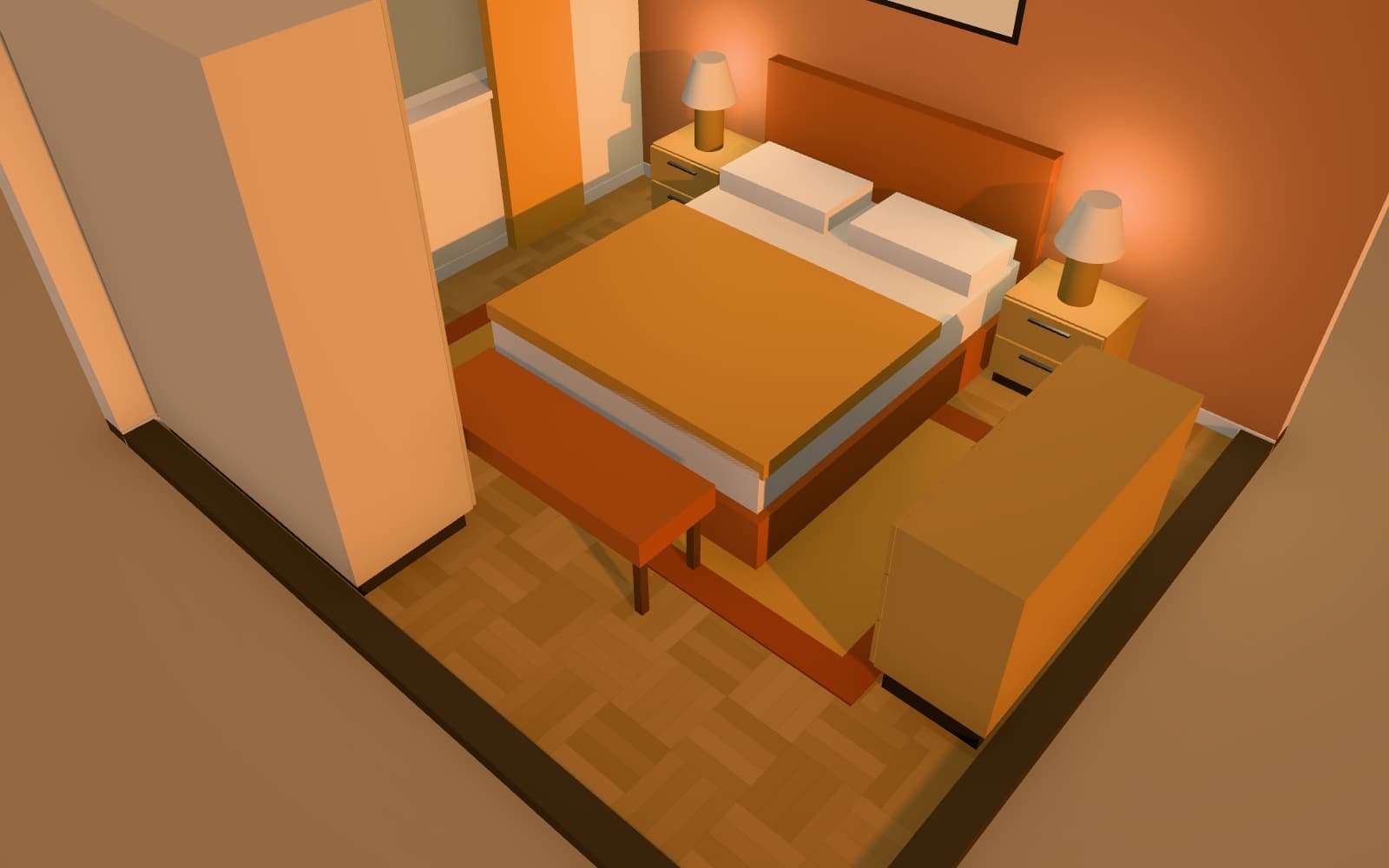
How can I plan decor and styling for a room before buying anything?
Build a moodboard in Arcvelle's moodboard maker: add photos, extract a colour palette and place material chips. Then open the room in Arcvelle Studio, apply matching paint and flooring, and add plants, lamps and accessories. Smart Layout's decor-only scope can add decor around furniture you have already placed.
What it does
Features
Palette from your photos
Add room photos or product images and the moodboard maker extracts their main colours as a palette you can work from.
Style presets and material chips
Start a board from a style preset, then add material chips beside your images to test how finishes sit together.
Custom paint on each wall side
Choose from 19 paint colours or enter any custom colour, set separately on each side of a wall, so an accent colour stays on one face only.
Decor and plants in 3D
The decor and plants category adds finishing pieces to the room. Resize and recolour each one to match the palette on your board.
A board you can share
Export the arranged board as a PNG 2,400 pixels wide, large enough to fill a presentation slide.
How to
How to use the style a room from first palette to finished scene
Step 1: Collect references
Add photos to a new moodboard, let it extract a palette, and pick a style preset as a starting point.
Step 2: Arrange the board
Place material chips and images, take out anything that clashes, and export the result as a PNG.
Step 3: Apply it in 3D
Open your room in Arcvelle Studio and set wall colours, floor finish, panelling and decor to match the board.
Step-by-step guide: Moodboards
Use cases
Who it is for
Refreshing a rented flat
Plan changes that need no building work, such as textiles, lamps, plants and freestanding furniture, and see them together first.
Agreeing a direction with a client
Show a moodboard and a styled 3D view side by side so feedback is about one agreed set of colours and materials.
Staging a room for sale
Try neutral wall colours and pared-back decor in 3D to see how a room might photograph before you move anything.
Questions
Frequently asked questions
What file does the moodboard export?
The moodboard maker exports a PNG image 2,400 pixels wide. You can drop it into a presentation, attach it to an email or print it.
Can I use my own colours rather than the preset paint list?
Yes. Alongside the 19 preset paint colours, Arcvelle Studio accepts any custom colour, which you can set on each side of a wall independently. Ceiling colour is set per room.
Do my reference photos get uploaded anywhere?
The moodboard maker runs in your browser, so palette extraction happens on your own device rather than on a server. Arcvelle has no accounts or cloud storage today.
Is decor and styling free in Arcvelle?
Yes. The moodboard maker and Arcvelle Studio are both free to use today, and neither asks you to sign up or log in.
How many colours should a room palette have?
A widely used guide is 60-30-10: about 60% of the room in a main colour, 30% in a secondary colour and 10% in an accent. Treat it as a starting point; a moodboard helps you see whether the proportions work for your room.
Can I show wall panelling and textures, not just flat colour?
Yes. Walls can take wainscot, timber slat or tile panelling, and floors have 17 finishes including woods, tiles, stone, terrazzo, concrete and carpet. Skirting boards are set per room.
Start designing in your browser
Arcvelle Studio is free and needs no account. Your projects stay in this browser.