Free · runs in your browser
Kids room design
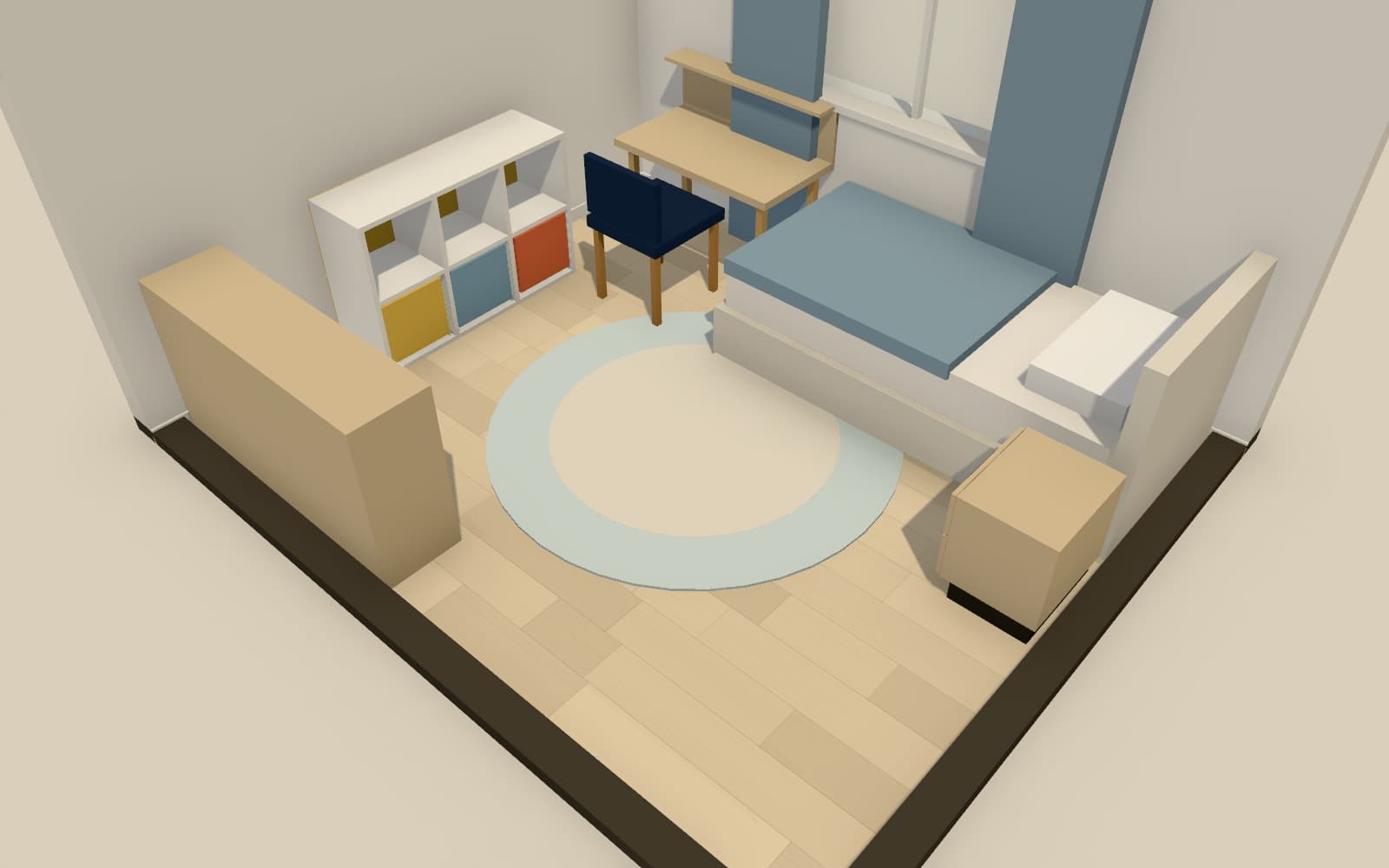
A child's room has to work for sleep, play, homework and storage, often in a small space that will change as they grow. Arcvelle Studio lets you lay it out with furniture from the kids category, try colours on each wall, and check there is clear floor left for play. The playful kids room template is a ready start.
How do I plan a kids room layout?
List what the room must hold: a bed, storage, perhaps a desk, and open floor for play. Place the bed first, usually against a wall away from the door, then storage, keeping the middle of the room free. In Arcvelle Studio you can furnish it with Smart Layout or by hand, then adjust colours and view it in 3D.
What it does
Features
Kids furniture category
Models made for children's rooms sit in their own category, alongside general bedroom, office and decor pieces.
Resize as they grow
Models are parametric, so you can swap a small bed for a longer one, or a low desk for a taller one, and see what still fits.
Colour on any wall
Paint a single wall in a bold colour, add wainscot panelling, and choose a floor that is easy to clean.
Smart Layout to start
Let Smart Layout furnish the room in a chosen style, then move and swap pieces until it suits your child.
How to
How to use the kids room design
Step 1: Open the template or draw the room
Start from the playful kids room, or draw your child's room with its door and window.
Step 2: Place the essentials
Add the bed, storage and any desk, by hand or with Smart Layout, keeping a clear area for play.
Step 3: Add colour and check in 3D
Paint the walls, pick a floor, and walk through the room in 3D.
Step-by-step guide: Smart Layout
Use cases
Who it is for
From nursery to bedroom
Plan how a nursery will change when a cot becomes a bed and a changing unit becomes a desk.
A shared room
Test whether two beds, or bunks, plus storage leave enough floor for two children to play.
A homework corner
Find space for a desk with good light from the window without losing the play area.
Questions
Frequently asked questions
What size is a single bed?
A UK single mattress is usually 90 × 190 cm, and a US twin about 38 × 75 in. Children's and toddler beds are smaller. Resize the bed model in Arcvelle to the exact mattress you plan to buy.
Can Smart Layout furnish a child's room?
Smart Layout furnishes rooms using placement rules for nine room types and ten styles, with full, essentials or decor-only scope. Use it for a first arrangement, then swap in pieces from the kids category.
How do I leave enough room for play?
Keep large furniture against the walls and hold an open area in the middle. Walking through the room in 3D helps you judge whether that area feels generous or cramped.
Can I try bold colours without repainting?
Yes. Paint each wall side separately with preset or custom colours, and compare schemes under daylight and evening lighting presets before buying any paint.
Is my design saved if I close the browser?
Yes, on the same device and browser. Projects are kept in the browser's local storage. Clearing site data removes them, so export a JSON project file if you want a separate copy.
Start designing in your browser
Arcvelle Studio is free and needs no account. Your projects stay in this browser.