Free · runs in your browser
Home design software
Arcvelle Studio covers the whole path from an empty plan to a costed design: floor plans, furniture, finishes, 3D renders, construction-style drawings and a quote. It all runs in your web browser, so there is nothing to install and no licence to manage.
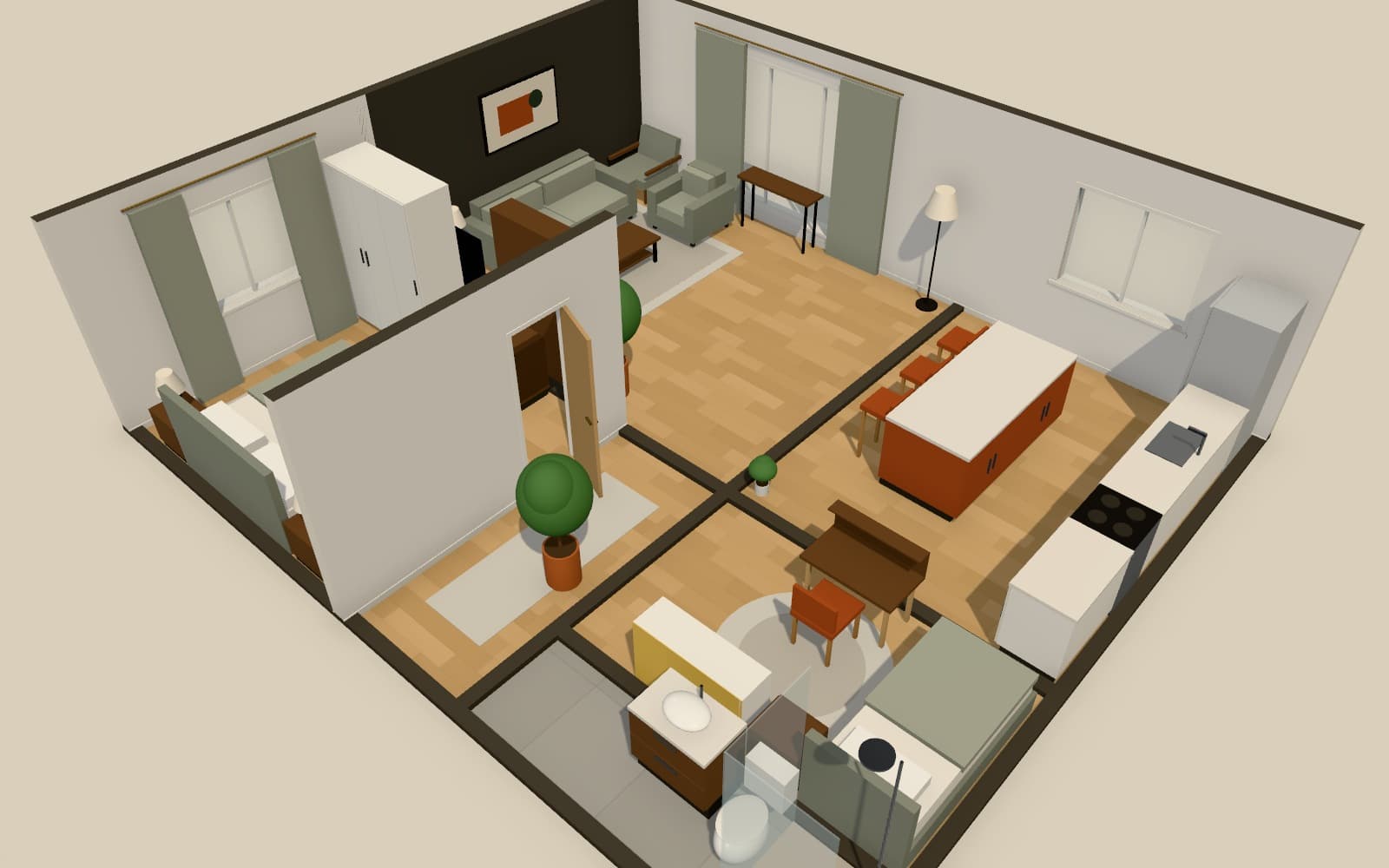
What does home design software need to do?
Home design software should take you from a measured plan to something you can act on. Arcvelle Studio handles plans over several floors, furniture and finishes, real-time 3D, still renders up to 4K, a drawings set PDF with plans, elevations and schedules, and a bill of materials you can turn into a priced quote, all in a browser.
What it does
Features
Plans for a whole home
Draw every room across several storeys, with stairs between them and room areas calculated as you go.
Furniture library
Over 80 parametric models across 11 categories, from living and bedroom to outdoor and structure, all resizable and recolourable.
Renders on your device
Stills at Full HD, 2K or 4K, 360° panoramas, and walkthrough or orbit videos of 6 to 30 seconds, all produced in your own browser.
A drawings set
A3 vector sheets with a cover and index, dimensioned plans, furniture, flooring and lighting plans, interior elevations and schedules.
Quantities and a quote
A bill of materials measured from the design. Add your own unit prices, currency and tax rate to produce a CSV or an A4 PDF quote.
How to
How to use the home design software
Step 1: Plan the home
Draw or trace each floor, then add doors, windows and stairs.
Step 2: Furnish and finish
Place furniture by hand or with Smart Layout, then choose floors, paint and panelling.
Step 3: Visualise
Check the design in 3D and produce renders, panoramas or a walkthrough video.
Step 4: Document and cost
Export the drawings set and the bill of materials, adding your own prices for a quote.
Step-by-step guide: Create a project
Use cases
Who it is for
Planning a move
Lay out a new home in full before moving in, so you know which furniture to keep and what to buy.
Small design practices
Produce plans, renders and a priced schedule for a client from one tool, without per-seat software.
Self-builders and renovators
Keep layout, finishes and quantities together while you talk to builders and suppliers.
Questions
Frequently asked questions
Does Arcvelle work on Windows and Mac?
Yes. Arcvelle Studio runs in a web browser, so it works on Windows, macOS and other systems with a modern browser, on a desktop computer or a tablet. There is no installer and no phone app.
How much does the software cost?
Arcvelle Studio is free today, with no account required. Paid plans are in development; nothing described on this page needs payment now.
Can I work on a design with someone else?
Not at the same time. There is no collaboration or team workspace yet. You can send a share link that opens a read-only 3D presentation, or export a JSON project file to pass on.
Are my designs saved online?
No. Designs are saved in the browser's local storage on the device you use, and nothing is uploaded. Accounts and cloud saving are in development, so keep JSON exports of work you care about.
What file formats can I export?
Floor plans as PDF, PNG or SVG; DXF for CAD; a GLB 3D model; a JSON project file; a drawings set PDF; and the bill of materials as CSV or an A4 PDF quote. Renders save as images and videos.
Can I use my own 3D furniture models?
Uploading your own GLB models is in development. Today you can resize and recolour the built-in models, or build pieces from parametric archetypes in the 3D modeler and add them to the Studio.
Start designing in your browser
Arcvelle Studio is free and needs no account. Your projects stay in this browser.